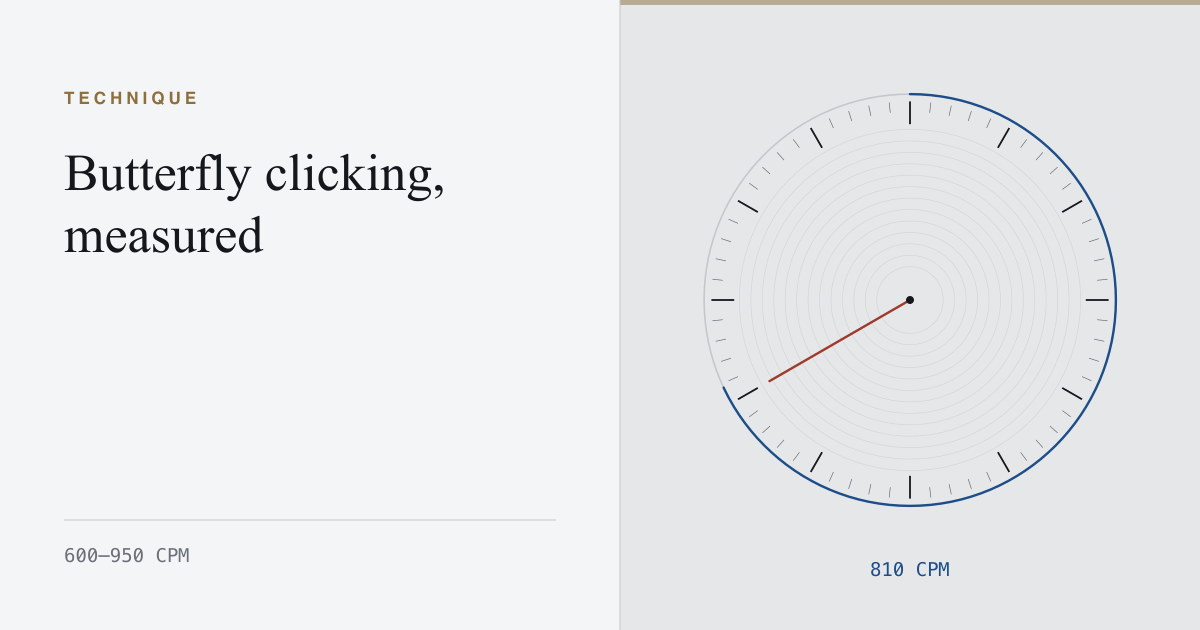
Butterfly clicking alternates the index and middle fingers on a single button. Each finger works at an ordinary, comfortable rate; the switch sees the sum. It is the highest rate a hand can produce without depending on hardware behaviour, and it is the technique most worth learning if you intend to keep the number.
The rate, and the shape of it
A trained butterfly run reaches 600 to 950 CPM — 10 to 16 clicks per second. Under the per-second profile it does not look like a stream. It looks like pairs: two presses close together, a slightly wider gap, two more.
That pairing is the mechanism. While one finger is lifting, the other is falling, so each finger gets a full cycle to reset. Compare it with jitter, where one finger has to complete a whole press-and-release inside every gap.
Why it survives the longer intervals
Because the work is shared, butterfly degrades far more gracefully than jitter. A ten-second interval usually holds within 10 per cent of the opening rate, and a thirty-second interval is genuinely attemptable. That makes it the only high-rate technique with a meaningful sixty-second figure.
The two failure modes
- Double-registering. If both fingers land inside the switch’s debounce window, the second press is discarded and the count silently falls. It feels fast and reads slow. Widen the alternation rather than speeding it up.
- Drift off the button. Two fingers on one small button push each other sideways. A wide, flat left button holds a butterfly far better than a sculpted one.
Practise it at half speed first. Butterfly is a coordination problem long before it is a speed problem, and the rate arrives on its own once the alternation is even.