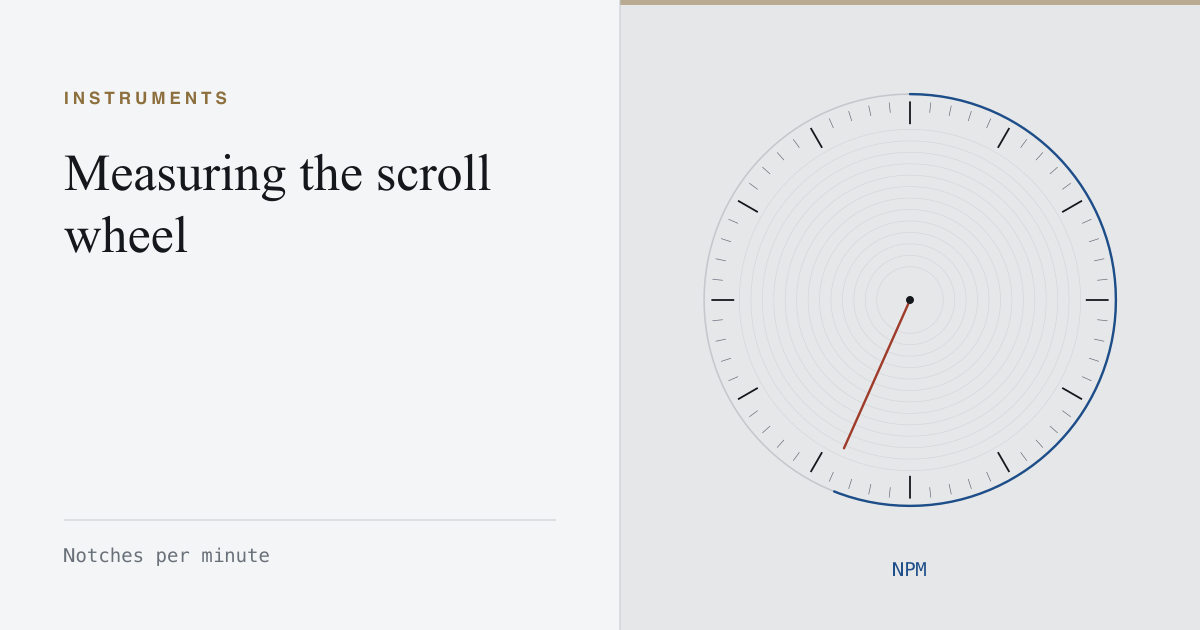
A scroll wheel is not a different kind of input from a button. It is an encoder with detents, and each detent produces a discrete event exactly the way a switch closure does. That makes it measurable on the same clock, in the same unit shape: notches per minute.
What the measurement is good for
Not bragging. Wheel speed is bounded by the mechanism far more tightly than click rate is bounded by a finger, so the interesting reading is not how fast you can spin it — it is whether every notch arrives.
A healthy wheel produces one event per detent, evenly spaced under an even spin. A worn or dirty encoder drops notches and, more annoyingly, reverses them: a downward spin emits an occasional upward event. Both are visible in a per-second profile as gaps and as counts that fall short of the detents you can feel and hear.
Why browsers make this harder than it should be
Wheel events do not arrive as a clean count. The browser reports a delta, and the units of that delta vary:
- Pixels on most trackpads and smooth-scrolling wheels.
- Lines on classic detented wheels, where one notch is typically three lines.
- Pages in rare configurations.
Any honest wheel measurement has to normalise those modes before counting, and must say which mode it saw. A tool that reports a single number without telling you whether it was counting pixels or notches is reporting nothing.
Reading it against your click rate
The two are unrelated abilities and should not be compared. What they share is a diagnostic: if your click rate and your wheel count both look wrong on the same mouse, the common factor is the mouse. If only one of them does, the fault is in that mechanism.