Why drag clicking reads high, and what it is reading
Drag clicking produces 1,200 CPM and more by making the switch chatter. The chronometer counts those presses — but the number describes the mouse, not the hand.
Mar 29, 2026 Read the entryBlog
Field notes on click rate, input latency and the hardware between a finger and a number.
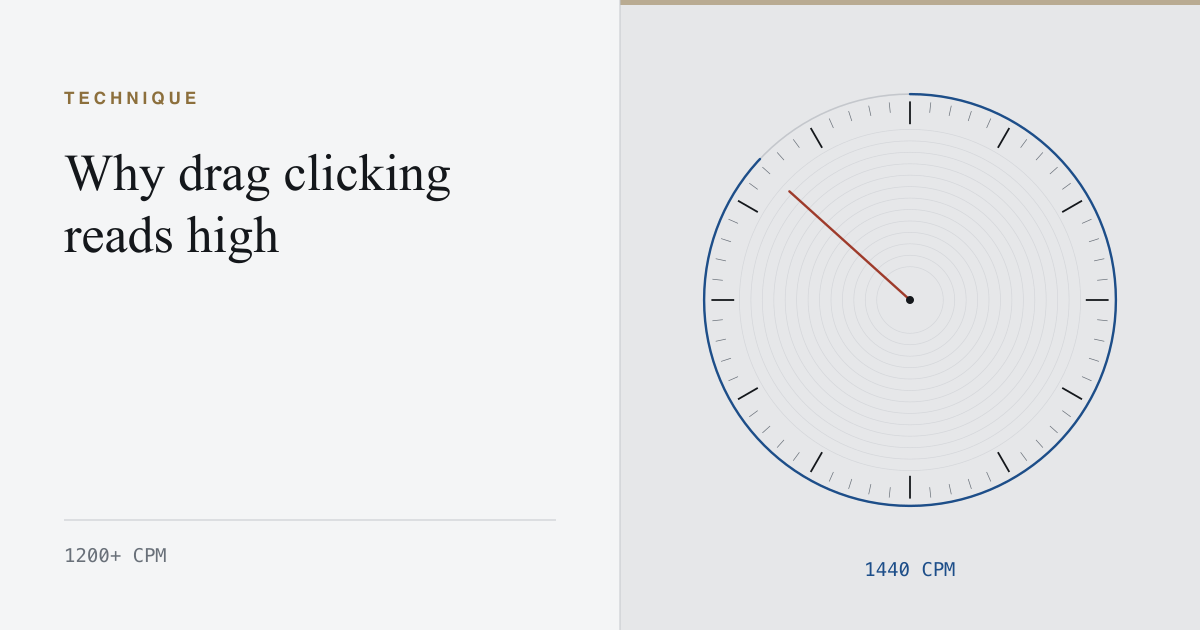
Drag clicking produces 1,200 CPM and more by making the switch chatter. The chronometer counts those presses — but the number describes the mouse, not the hand.
Mar 29, 2026 Read the entry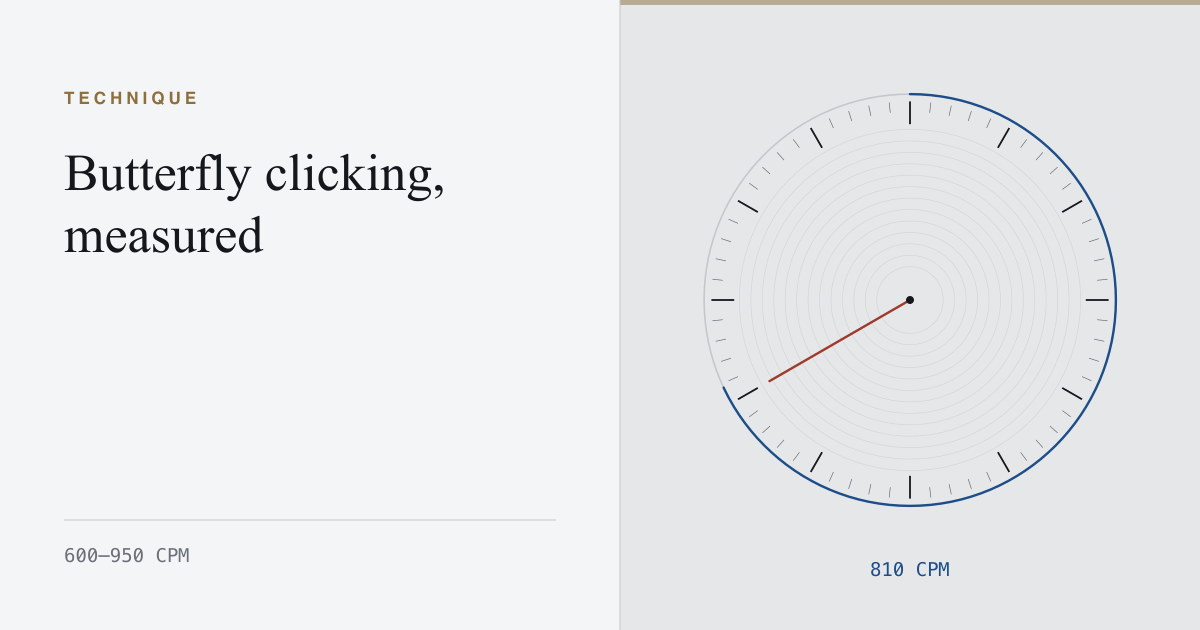
Butterfly clicking reaches 600 to 950 CPM by alternating two fingers on one button, so each press gets a full cycle to reset. What that does to the profile.
Mar 14, 2026 Read the entry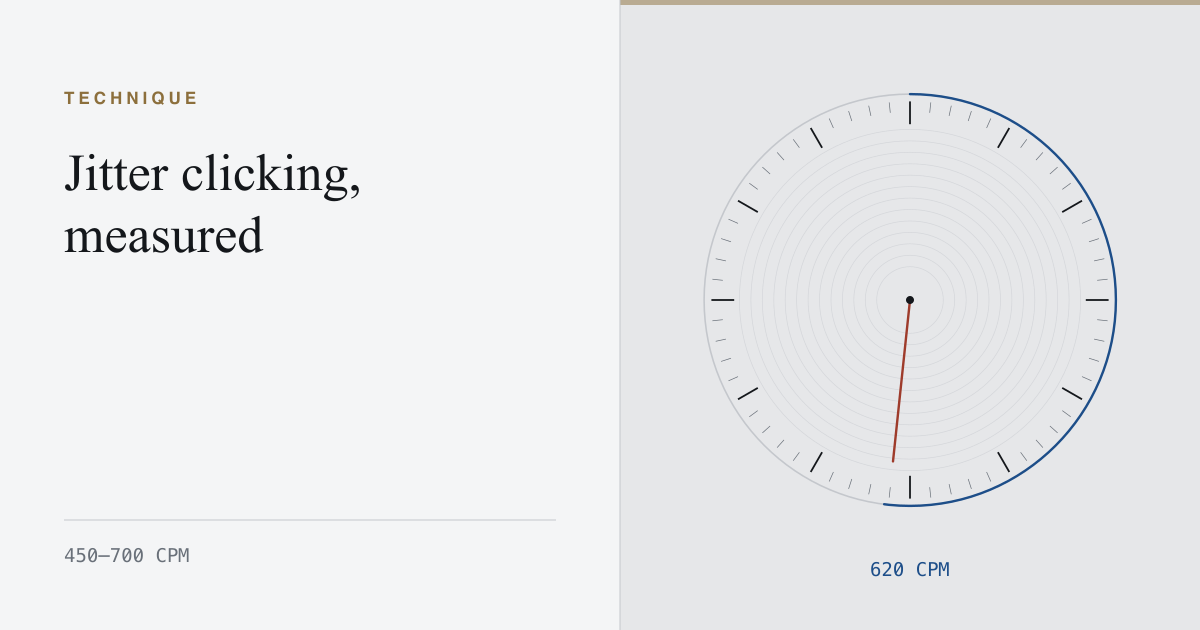
Jitter clicking reaches 450 to 700 CPM by tensing the arm until the tremor works the switch. What the per-second profile shows, and what it costs.
Feb 26, 2026 Read the entry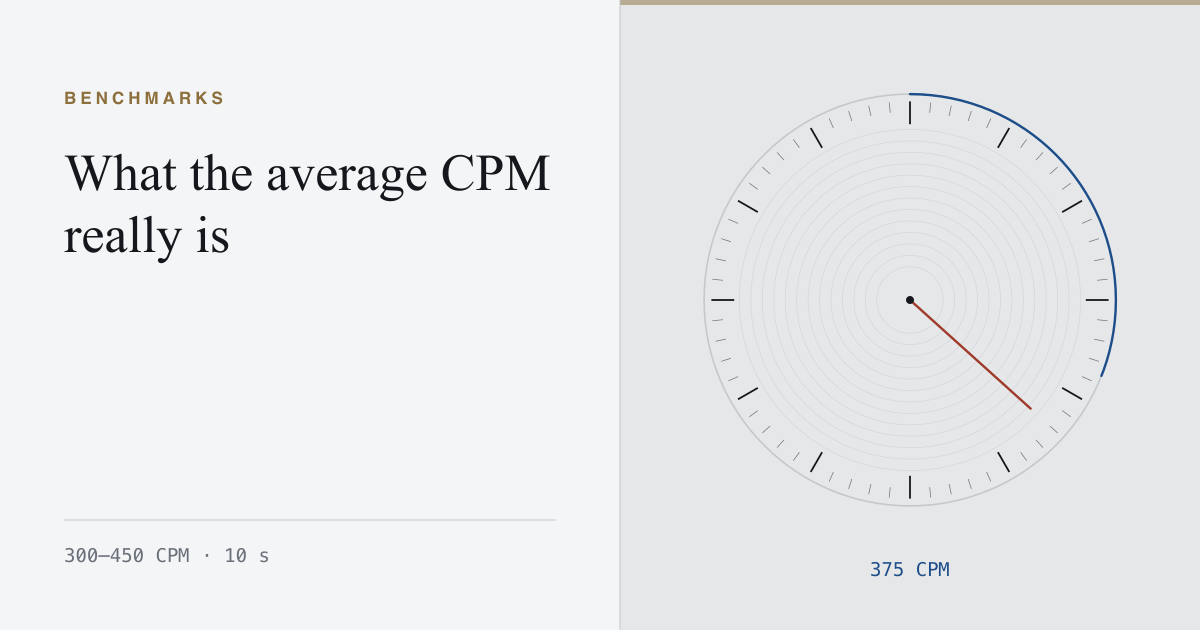
The honest average on a ten-second interval is 300 to 450 CPM. Here is where that range comes from, and why every figure above it needs its interval attached.
Feb 11, 2026 Read the entry